Registration of a Group of Terminals
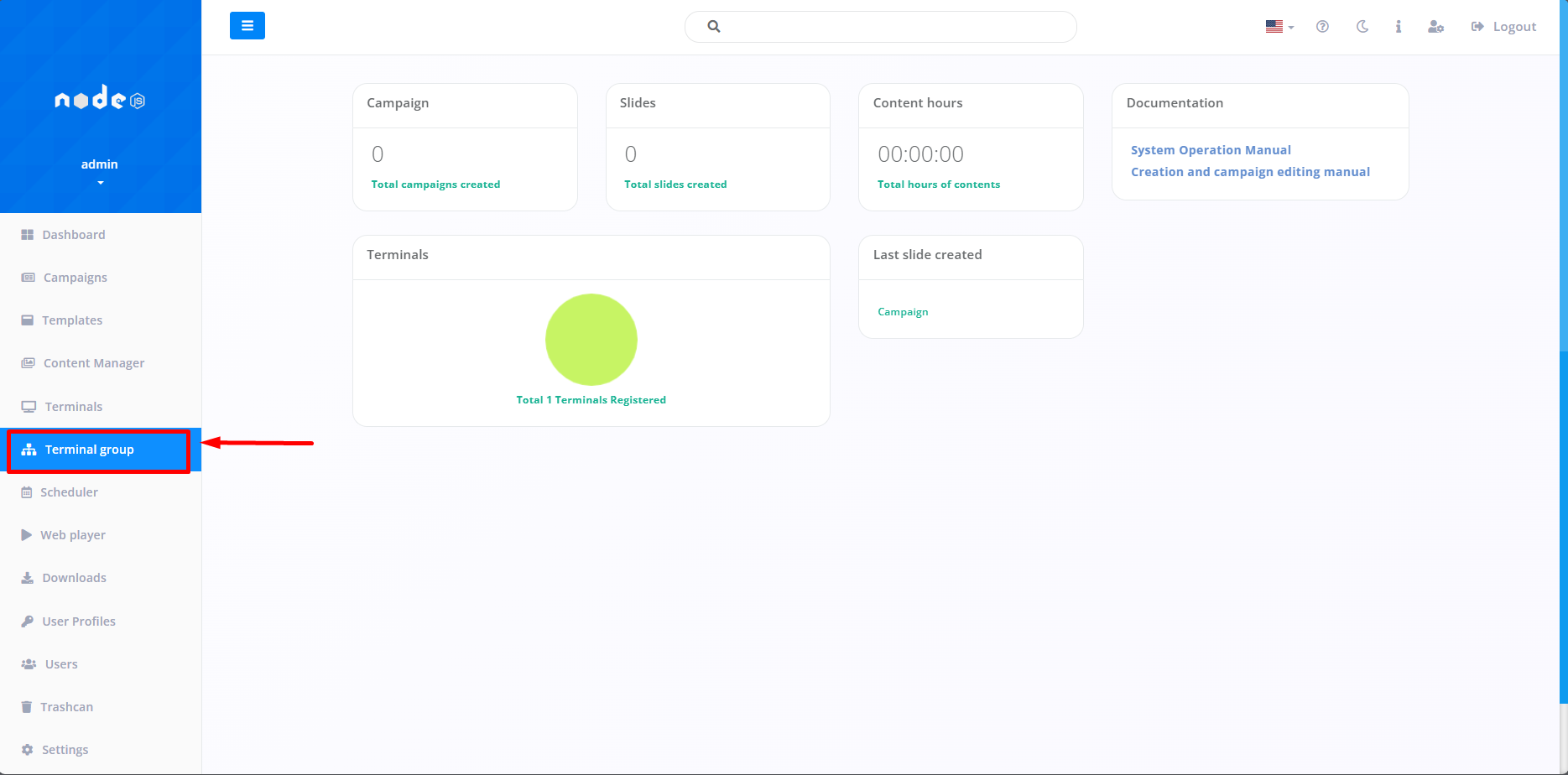
The first step to register a Terminal Group is by accessing the “Terminal Group” tab. This function makes it possible to manage several Terminals simultaneously, which can be either a Campaign or a Scheduler.
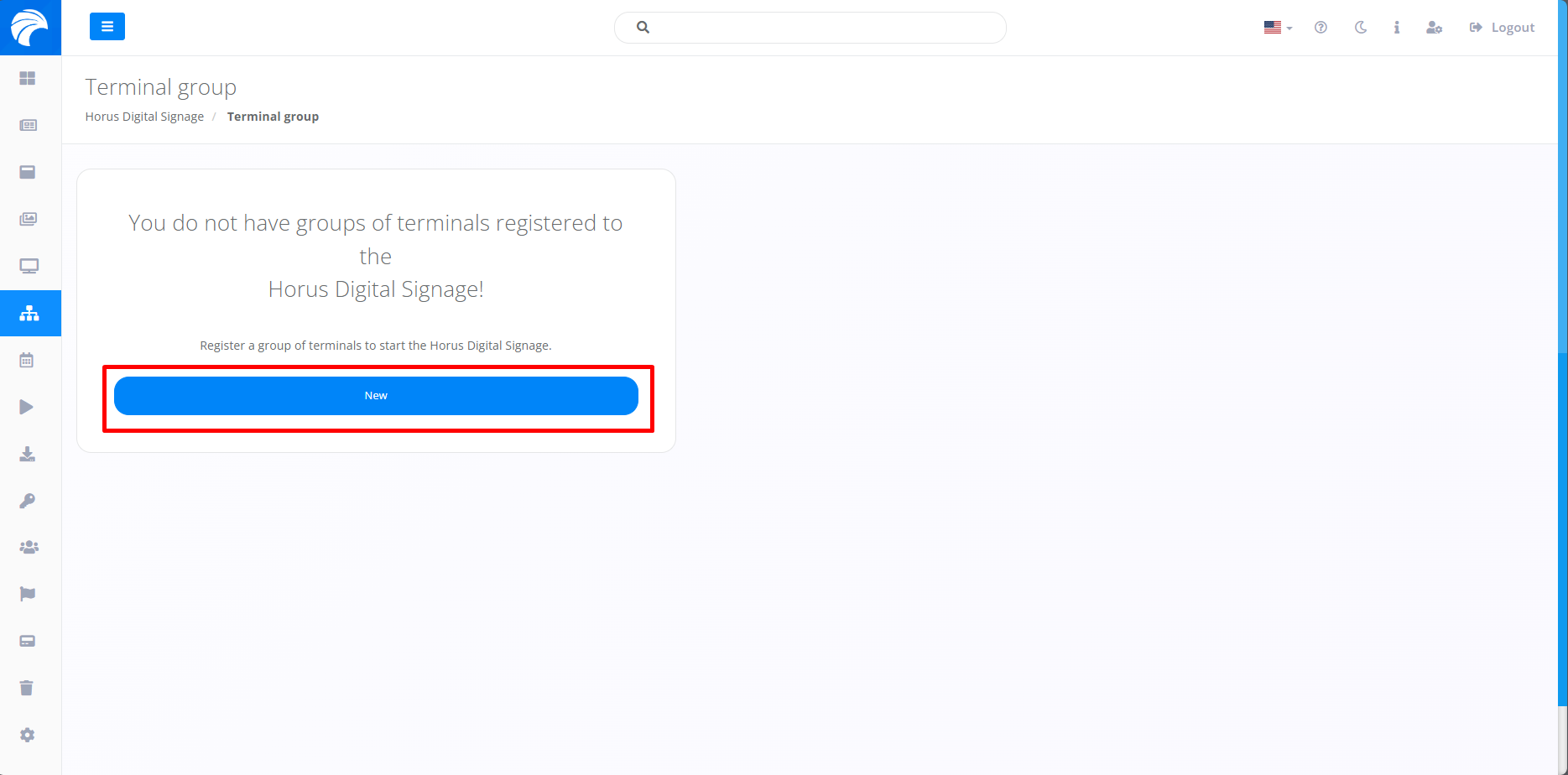
After clicking on Terminal Group. the system will open the screen, where we will first define it by clicking on “New” which, if you already have a group created previously, should be listed just below the search bar.
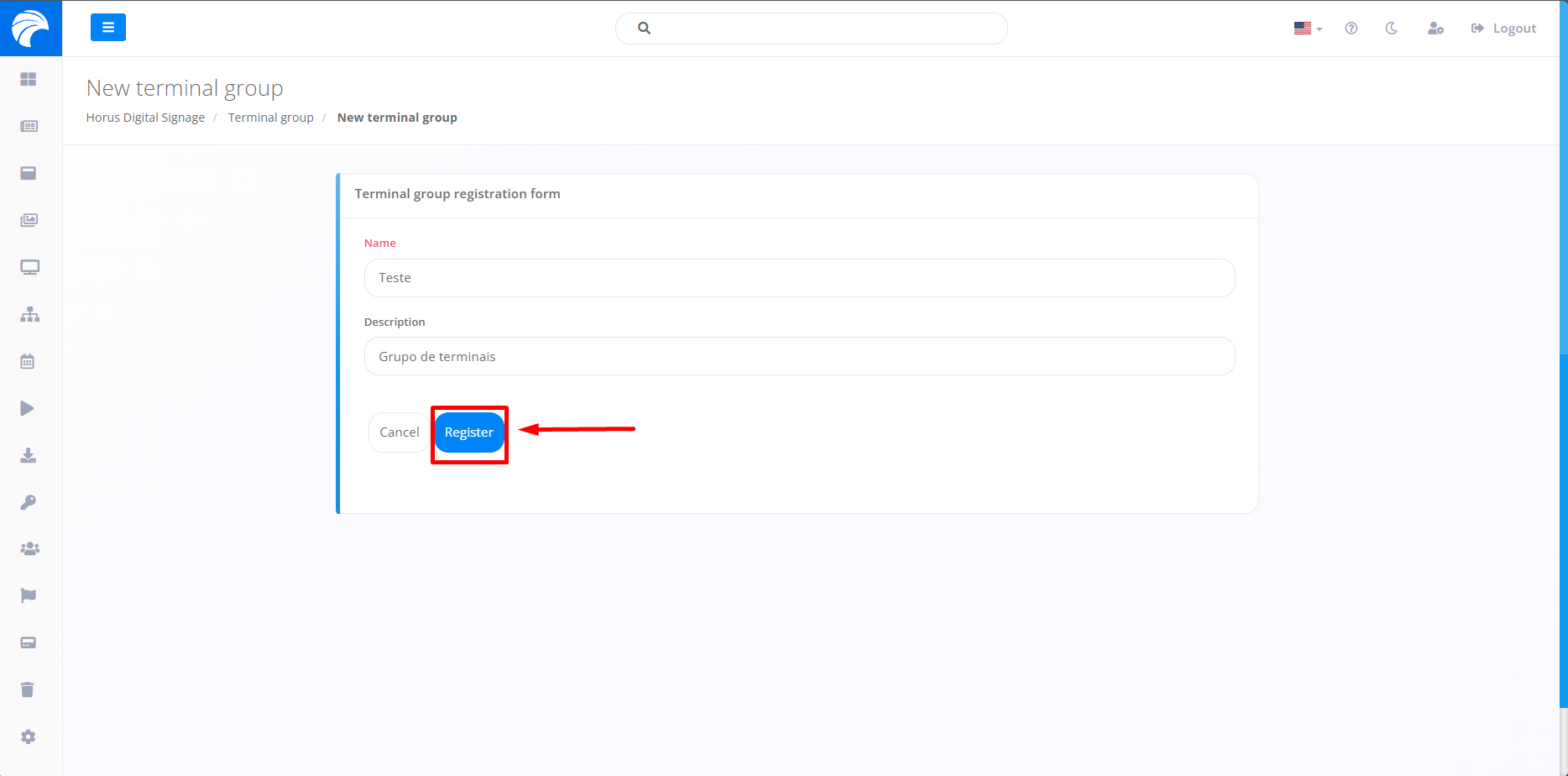
When clicking the Register Terminal Group button, you will need to enter a name for the new Terminal Group. If you need a description, there is a field available just below the “name” option. After carrying out the previous steps, simply click on the "Register" button, consequently registering the Group of Terminals presented below with their appropriate choices.
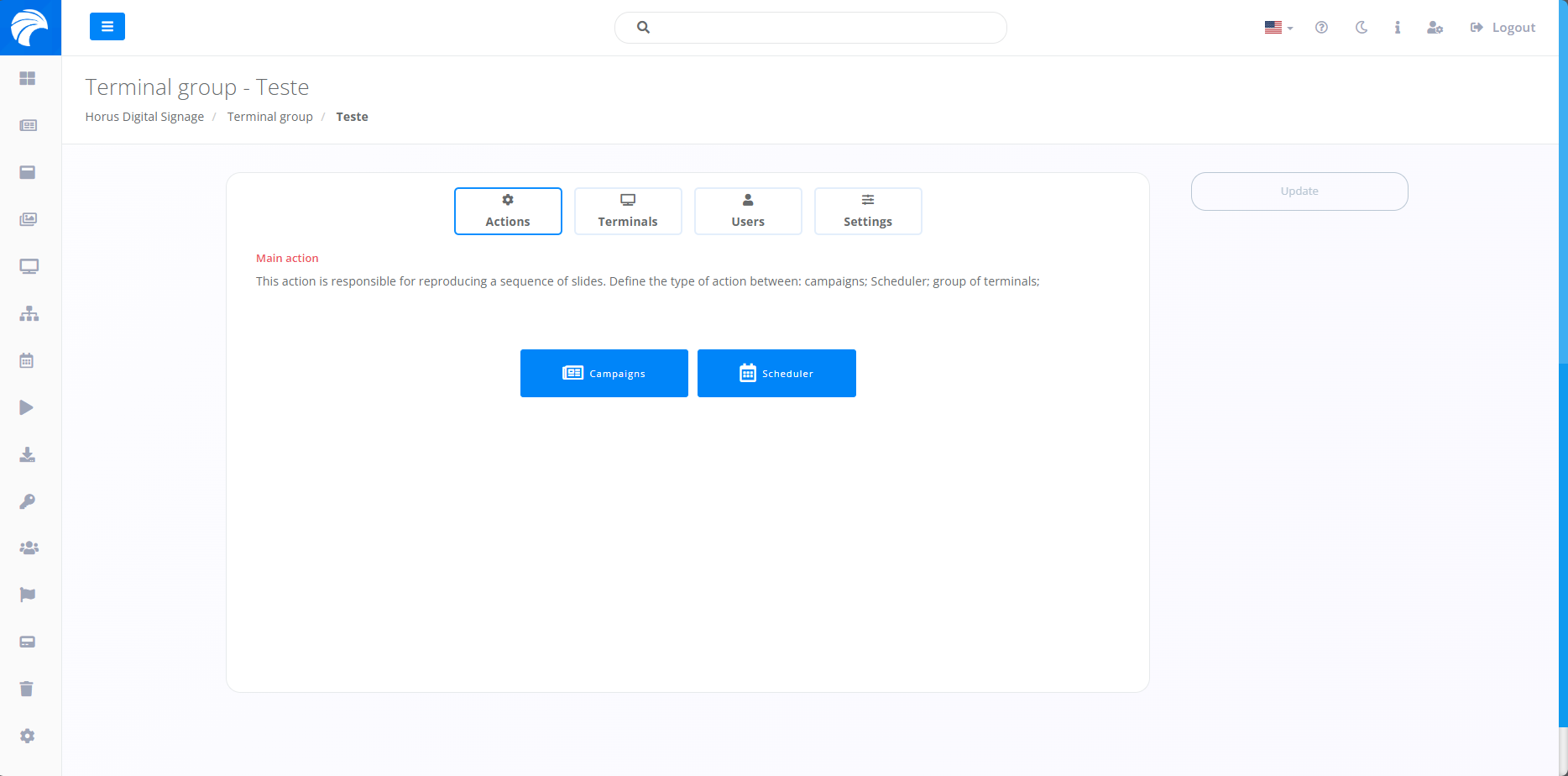
After completing the previous step, you will be redirected to the screen for adding Slides, Operators, changes to the content described previously and synchronization with the Player. On this screen (Actions), you will have the option to play a sequence of Slides, defining the type of action (Campaigns or Scheduler), according to your preference.
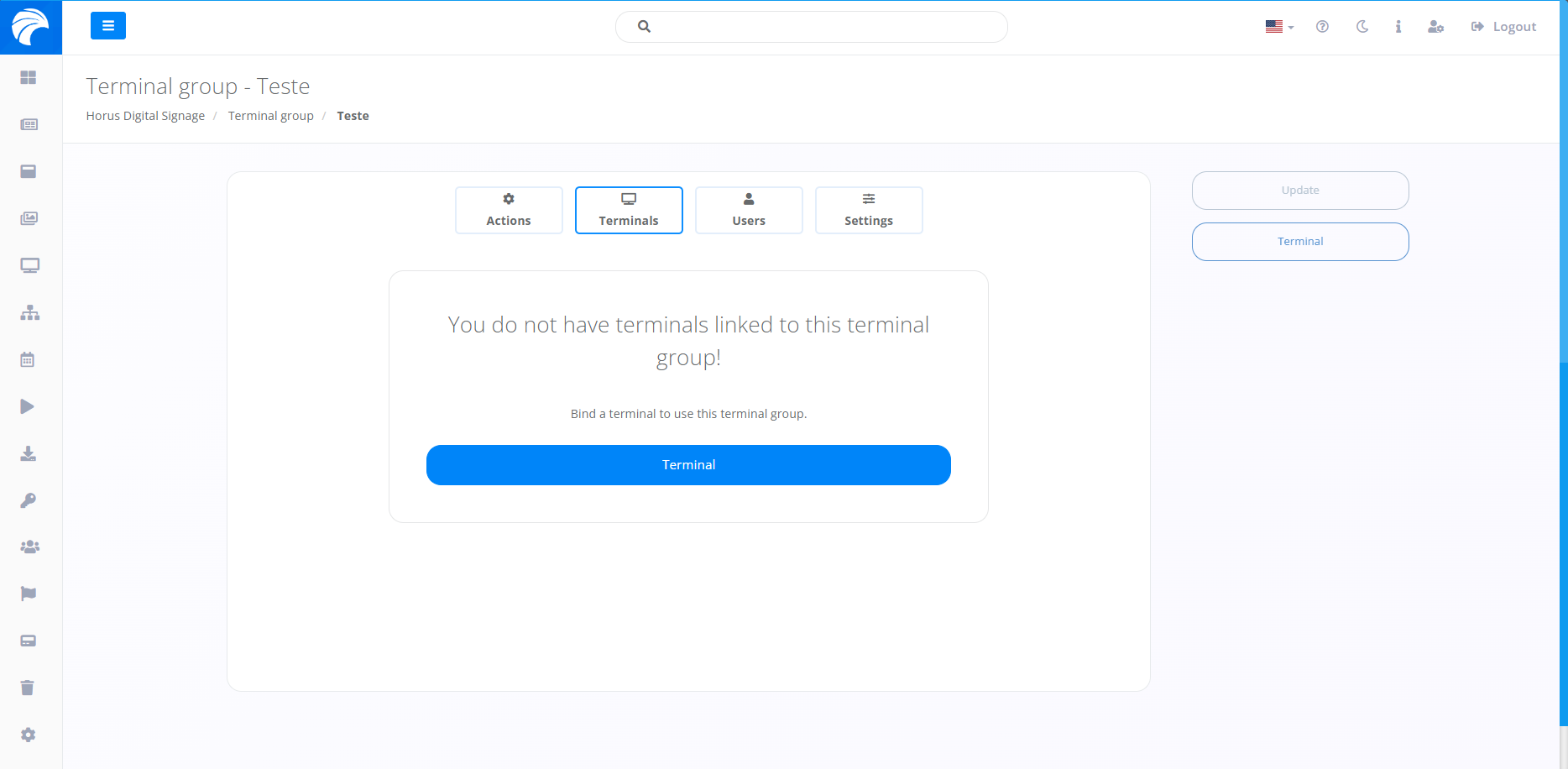
In another option “Terminals”, you will have the option of linking Terminals to use in a given Group of Terminals. Furthermore, it will be viable for the display to take place, directing to the chosen Terminal, offering flexibility and different options for different scenarios.
In another option “Users”, you will have the option to add specific Users to the mentioned Terminal. Furthermore, it will be possible to customize permissions for each Operator, offering flexibility and different options for different scenarios.
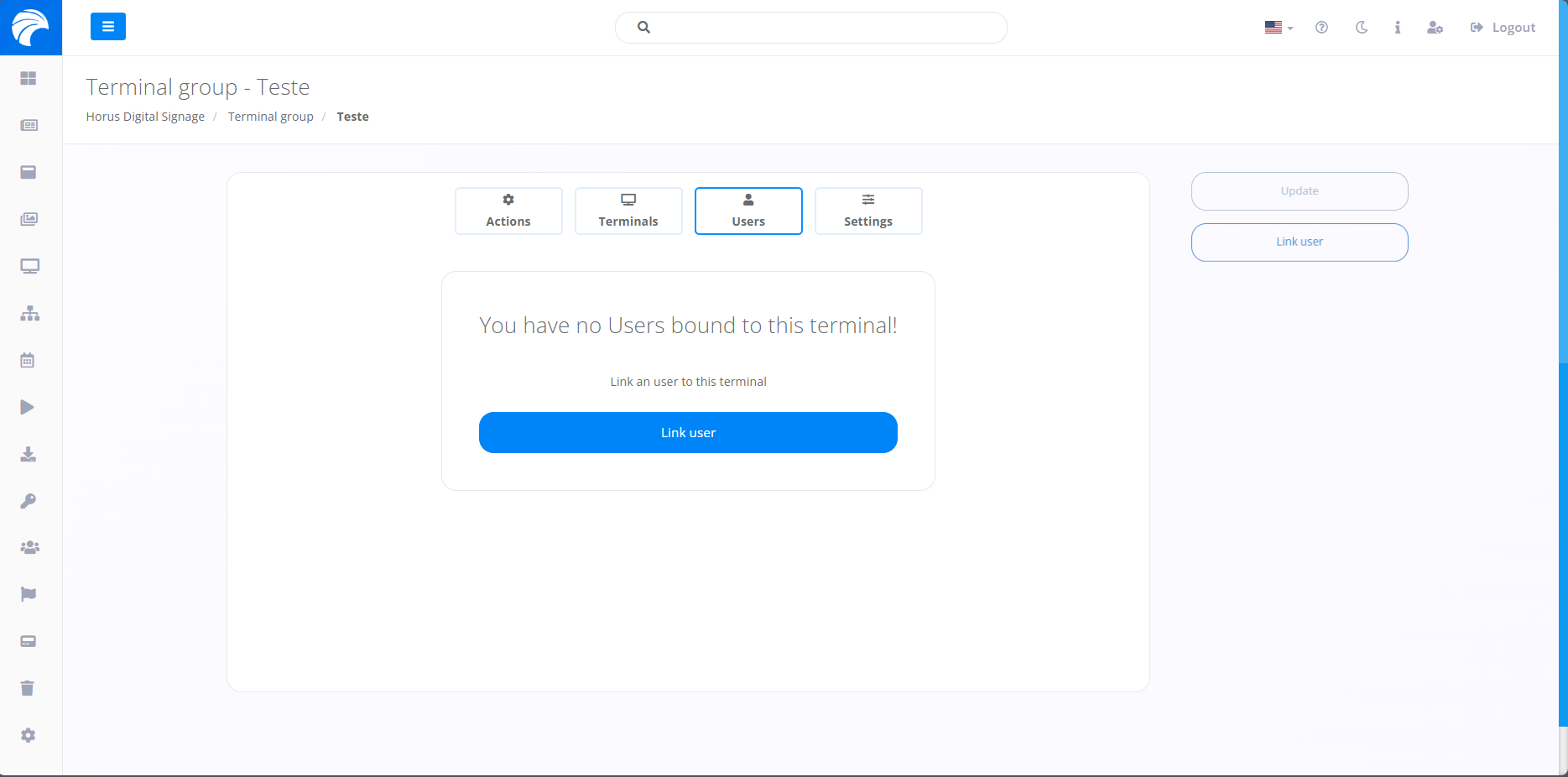
Note: It is not necessary to link an Operator for the functionality to occur. The decision whether or not to add an Operator is your preference.
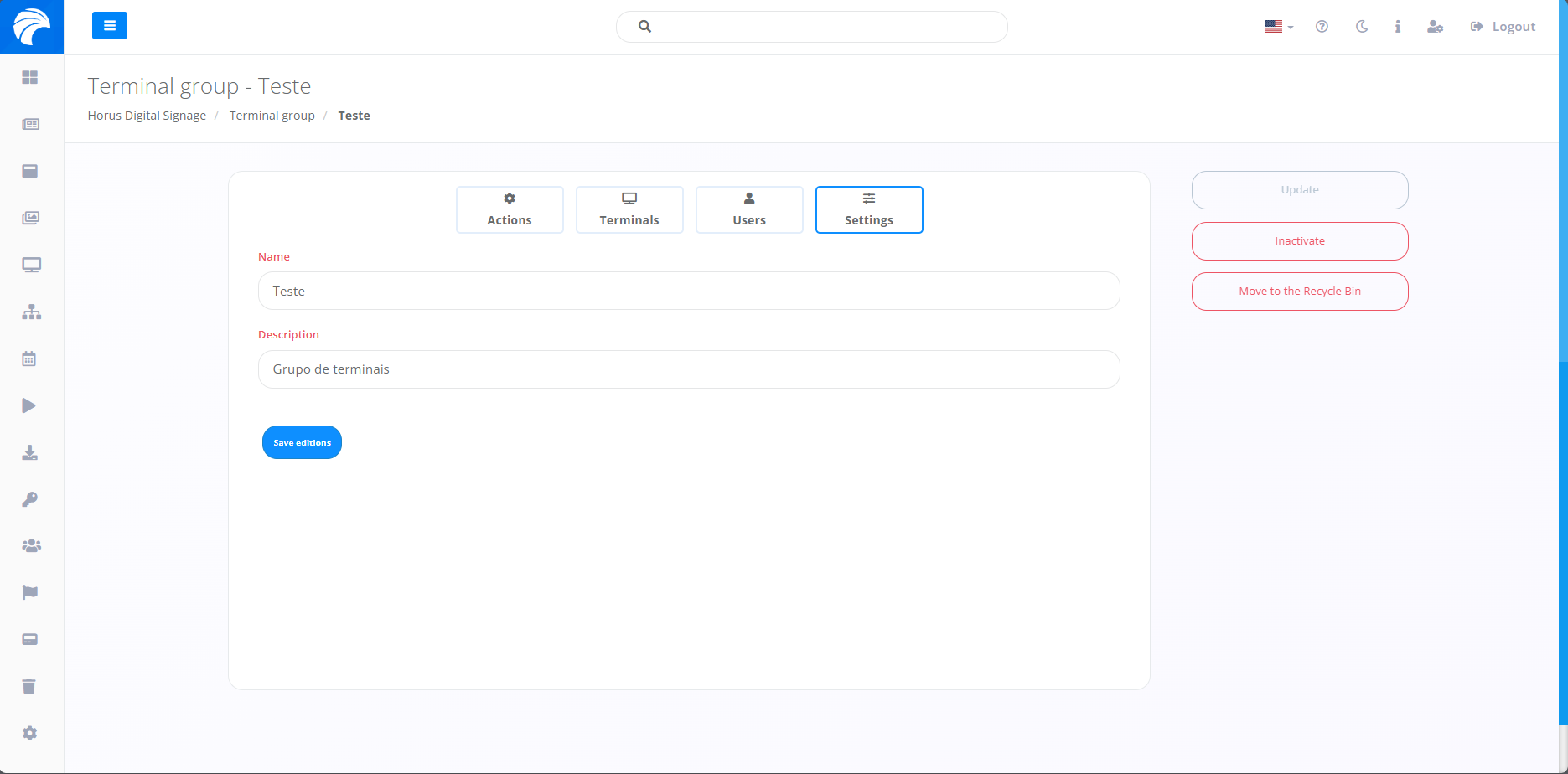
In another option “Settings”, you will have the option to modify both the name and description of the Campaign. On the right side of the screen, you will find features that allow you to inactivate and delete the Terminal, offering flexibility.